
Santa Fe County Court Calendars Explained
There is no single all-purpose calendar in Santa Fe County. First Judicial District Court publishes its own official hearing pages. Santa Fe Magistrate Court does the same. Municipal court schedules sit apart again. The court named on your notice decides where you confirm the date. A case search can locate the matter. But when a setting is near or looks changed, the current schedule and the clerk are what count.
First Judicial District's court-dockets landing page routes you to its district, magistrate, and division schedule pages. Those pages make a practical calendar source. Each one warns, though, that entries can have omissions and carry no warranty of completeness.
Santa Fe County Court Calendar Window
The Santa Fe District hearing schedule shows one chosen date. It also covers the six days that follow. That window works well for a hearing coming up soon. It cannot replace the case docket or a direct confirmation when a setting goes missing. Before you act on any calendar result, write down the date chosen. Note the division, the case number, and the hearing type too.
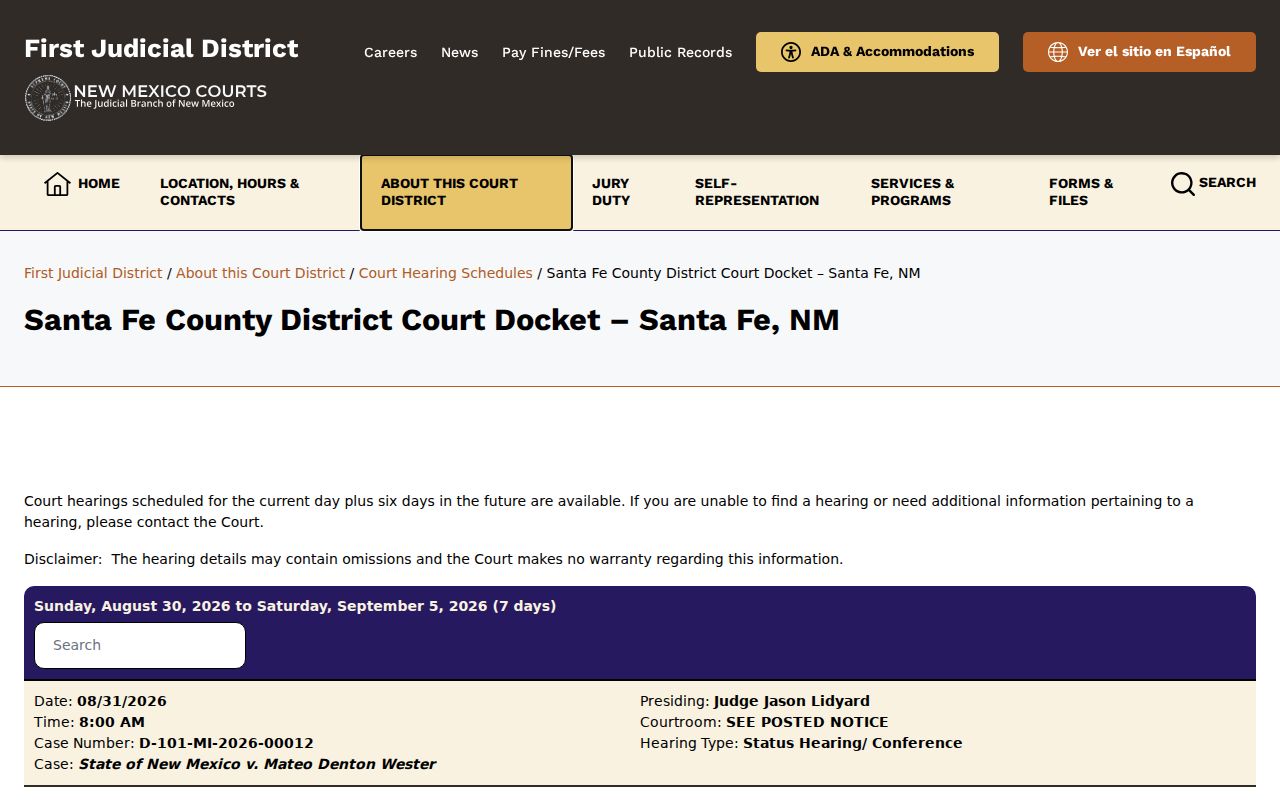
The district schedule is only one channel. Check it against the court named in the case. A Magistrate or municipal matter will not always appear there.
The Santa Fe Magistrate hearing schedule works the same way. It shows a current date and the next six days, with remote-information details listed by division. Those details can change. So rely on the current court page rather than a code or PIN saved from an older notice.
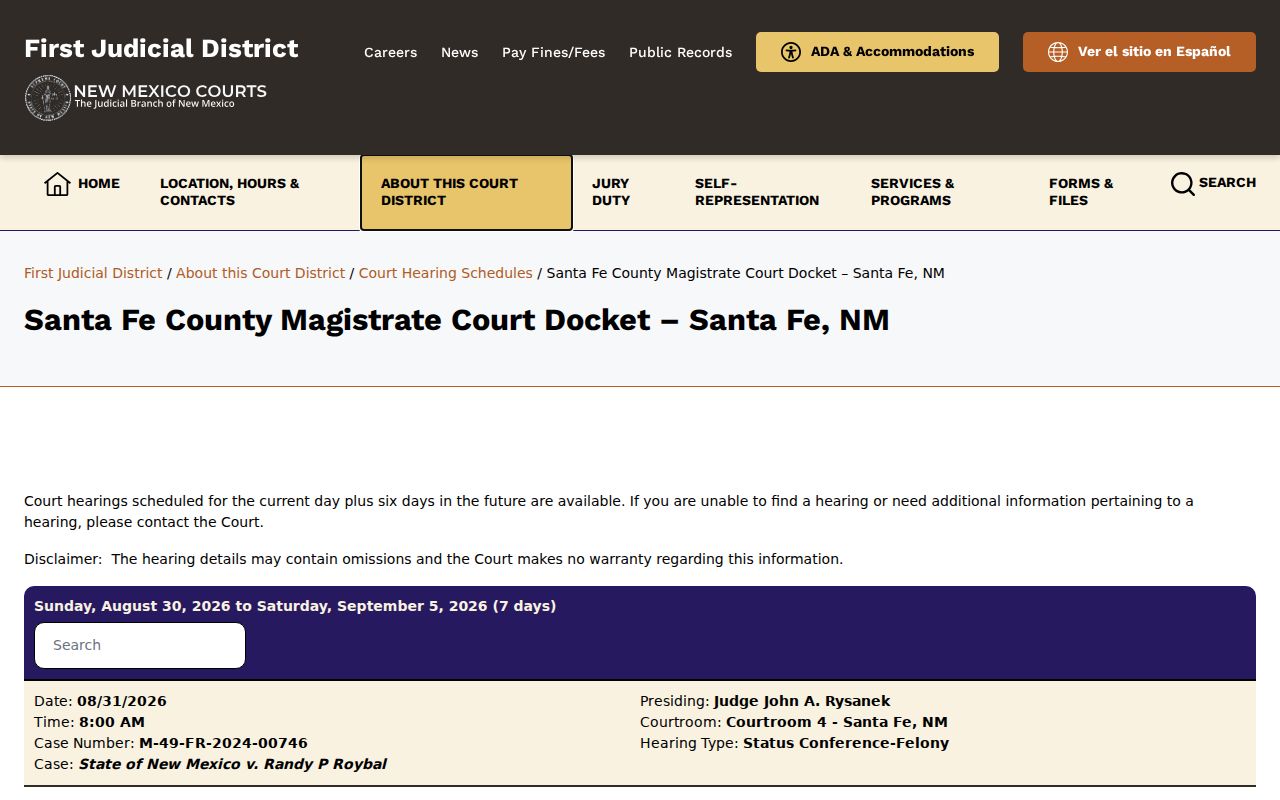
District and magistrate calendars answer to different clerks even though both serve Santa Fe County. Keeping the results separate prevents the common mistake of treating the two courts as one shared hearing list.
Finding Your Court Date
When timing matters, use more than one channel. New Mexico Case Lookup and re:SearchNM can locate the case and its hearing entries. The official court calendar shows the near-term schedule. First Judicial District and Magistrate clerk contacts can confirm a date. They can do this by phone or at the counter. A mailed or IPRA request helps with record access. But it is no fast substitute for confirming a current setting. Santa Fe County publishes no daily printed calendar.
- Start with the court and case number printed on the summons, notice, citation, or prior court document.
- Check the applicable District or Magistrate seven-day schedule, or the municipal court’s current calendar route.
- Search New Mexico Case Lookup by case number or the available party details to compare the docket’s hearing entry.
- Use registered re:SearchNM to check its Hearings view when that access route is available.
- Call or visit the clerk for the court that holds the case. First Judicial District, Magistrate, and municipal contacts are separate channels.
- If a party has counsel, compare the court information with the notice from counsel before appearing or assuming a date has moved.
First Judicial District's published clerk and records route sits at 225 Montezuma Avenue. The main line is 505-455-8250. Santa Fe Magistrate Court keeps a separate clerk route at 2056 Galisteo Street and 505-984-9914. Either office can tell you which calendar channel applies. A mail or IPRA request fits record copies better than an urgent appearance question.
Note: A calendar omission is not proof that a hearing was canceled, because the court pages expressly warn that information can be incomplete.
Santa Fe County Court Date Routes
Municipal calendars in Santa Fe County are not copies of the First Judicial District schedule. Santa Fe Municipal Court offers a public FullCourtWeb route for court records and calendar access. The portal warns, though, that recent entries may not show right away. Española Municipal Court publishes a weekday hearing pattern plus a city calendar route. For Edgewood, the official contact route is the safest way to confirm a local hearing. The city provides no separate public docket-search page.
Española Municipal Court's official information gives the court contact. Its published schedule maps traffic, bond, video, trial, and compliance sessions to weekdays.
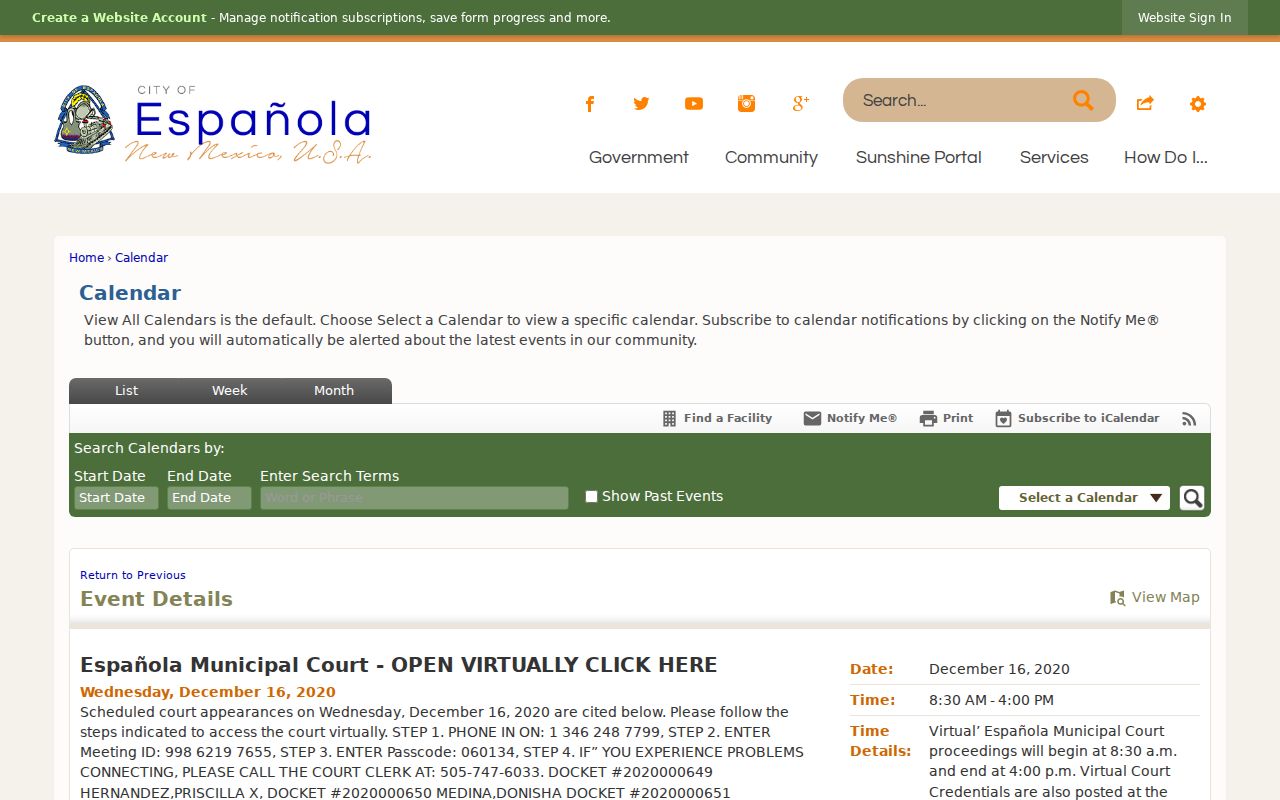
A city calendar like Española's shows why a local date needs the court and event details alongside it. Holidays, video-access changes, and individual-case shifts still require confirmation from the current court source.
How to Read a Court Setting
A court setting is an appointment entered in the docket or calendar. Record all of its fields, not just the date. New Mexico's re:SearchNM hearing summary can display date and time, hearing type, judge, location, result, comment, reschedule reason, and cancel reason. A result is not the same thing as a setting. "Scheduled" only means the hearing was placed on the calendar. "Held," "continued," or "rescheduled" describes a later court-entered outcome.
| Date | The calendar date selected for the court appearance. |
|---|---|
| Time | The posted time, which can differ from the time a case is actually called. |
| Courtroom or location | The court, physical location, or remote location shown for that specific setting. |
| Judge or division | The judge, court, or division assigned to the setting when displayed. |
| Setting type | The purpose, such as arraignment, motion hearing, status conference, trial, or compliance hearing. |
Save the displayed result and reason with the setting itself. The court-entered explanation beats guessing why a date moved or vanished from the calendar.
Santa Fe County Court Setting Terms
Calendar words look alike but point to different facts on a Santa Fe County court record. The distinction matters most when a date changes fast or a hearing result posts after the original setting. Use the court's exact label when you call a clerk or compare a notice.
- Setting
- A scheduled appearance with date, time, type, court, and location.
- Held
- A result that indicates the scheduled event took place, subject to the displayed court entry.
- Continued
- A court-entered change that postpones a matter for a later proceeding.
- Rescheduled
- A setting moved to another date or time, often with a displayed reason.
- Canceled
- A setting removed from the schedule. Confirm the next action or date with the court.
Never infer a result from a date alone. If the docket shows no result, confirm the status through the clerk or the current calendar channel.
Santa Fe County Court Calendar Changes
Each division at the Santa Fe County courthouse can set its own calendar procedures. Division VI’s schedule spells out its requirements. These include electronic motion packages, hard-copy materials, exhibit tabs, and filing timing. Read it before a hearing in that division. What it says does not govern every Santa Fe County setting. So check the division that actually holds your case.
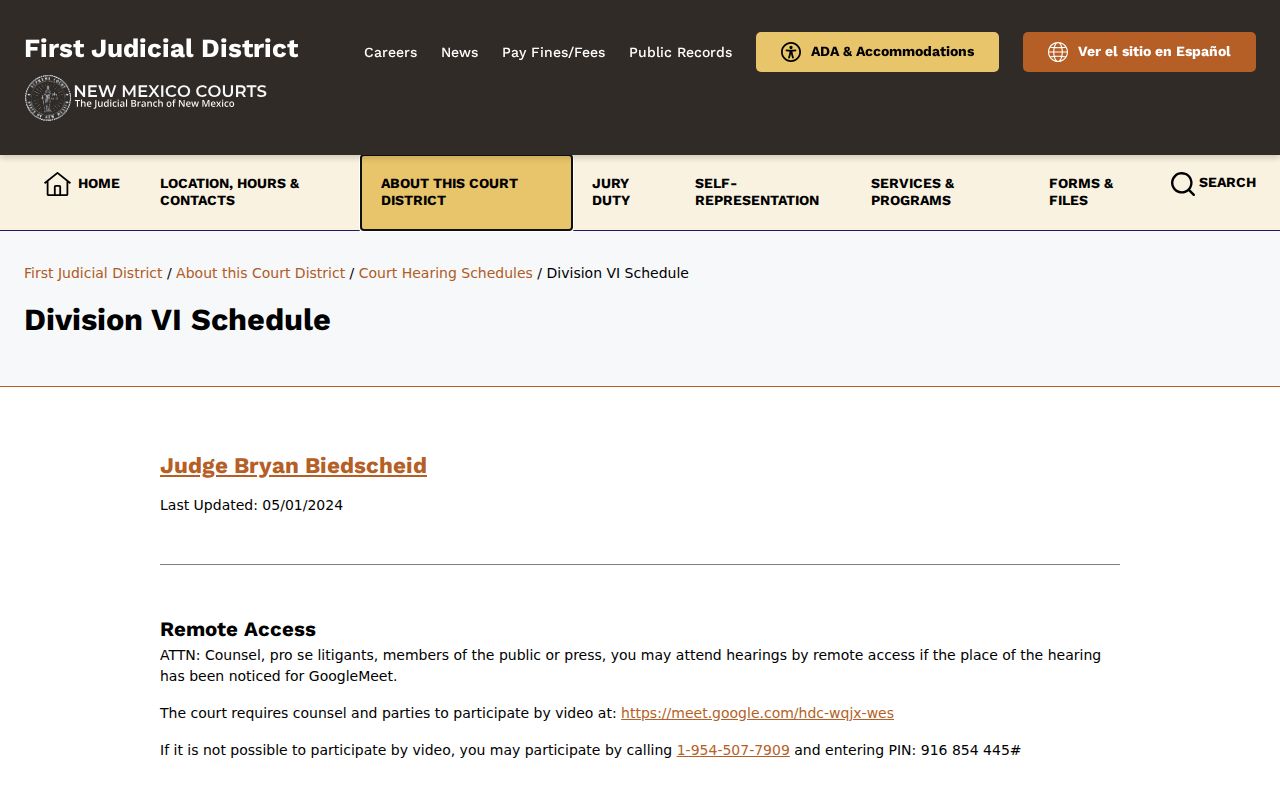
A docketed motion entry tells you a request reached the court. It rarely spells out every local step the division requires before the hearing. That is where the division notices come in. Division X’s schedule, for example, requires electronic hearing packets seven days before the hearing. It also sets interpreter timing. And it explains that a weather delay can open court at 10:00 a.m. When that happens, matters get rescheduled.
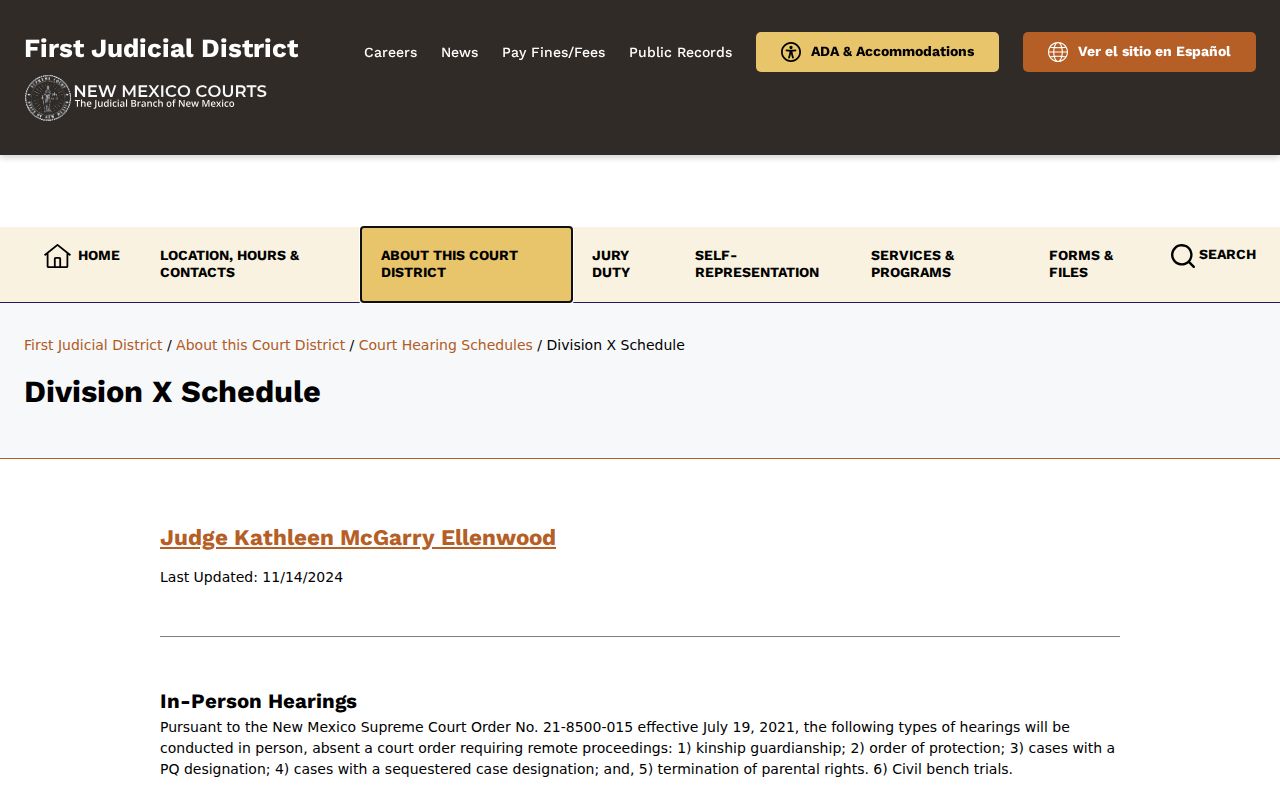
When a Santa Fe County hearing changes, pair the newest docket entry with the current division notice before you act. A reset, a continuance, and a cancellation each point to a different next step.
Continuances, Resets, and Cancellations
Court dates move around a lot. A continuance puts a matter off to another day. A reset assigns it a new time. A cancellation wipes it from the calendar entirely. The Santa Fe County docket may list the new date or the reason. But the public display does not always spell out every detail. So treat any earlier notice or printed calendar as a lead, not the final word on your hearing.
The First Judicial District's own hearing pages carry a warning that entries can be incomplete. When an expected setting fails to appear, go back to the correct court page. Pull the case docket again. Call the court clerk to be sure. One more trap deserves mention. If a division hands you instructions about a packet, an interpreter, or weather, confirm those directions match your division and date before you act on them.
Santa Fe County Court Date Checks
Division III’s official schedule posts family and children scheduling details along with interpreter and weather instructions. It is a good reminder that court date rules can attach to a single division. That matters when a setting carries a subject label other than a plain civil or criminal one.
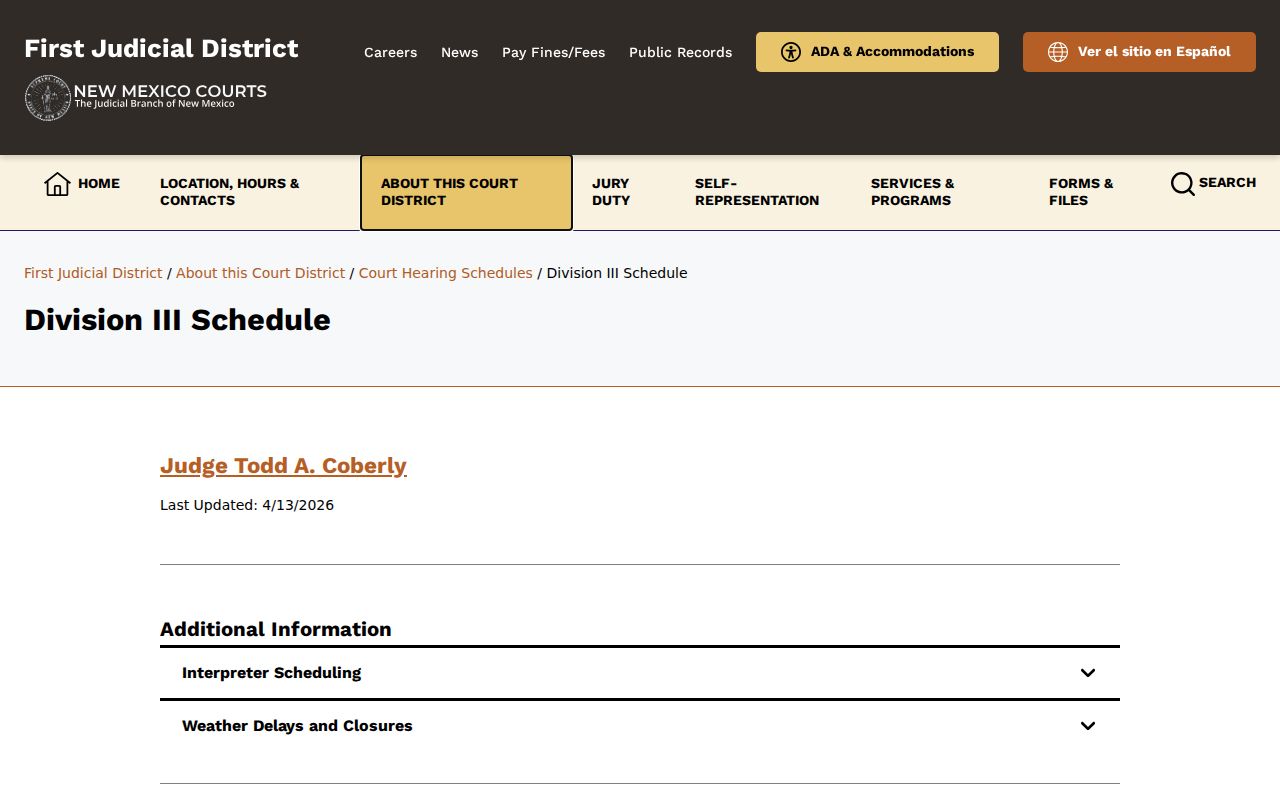
Santa Fe Municipal Court now tracks the First Judicial District policy on closures and delays. Still, Santa Fe County division pages may speak in their own weather terms. Always confirm with the court and division that actually control your setting.
Division VIII’s official schedule lists hearings in both Santa Fe and Tierra Amarilla. It gives separate clerk contacts. It also sets interpreter timing. The weather rule is a two-hour delay or closure.
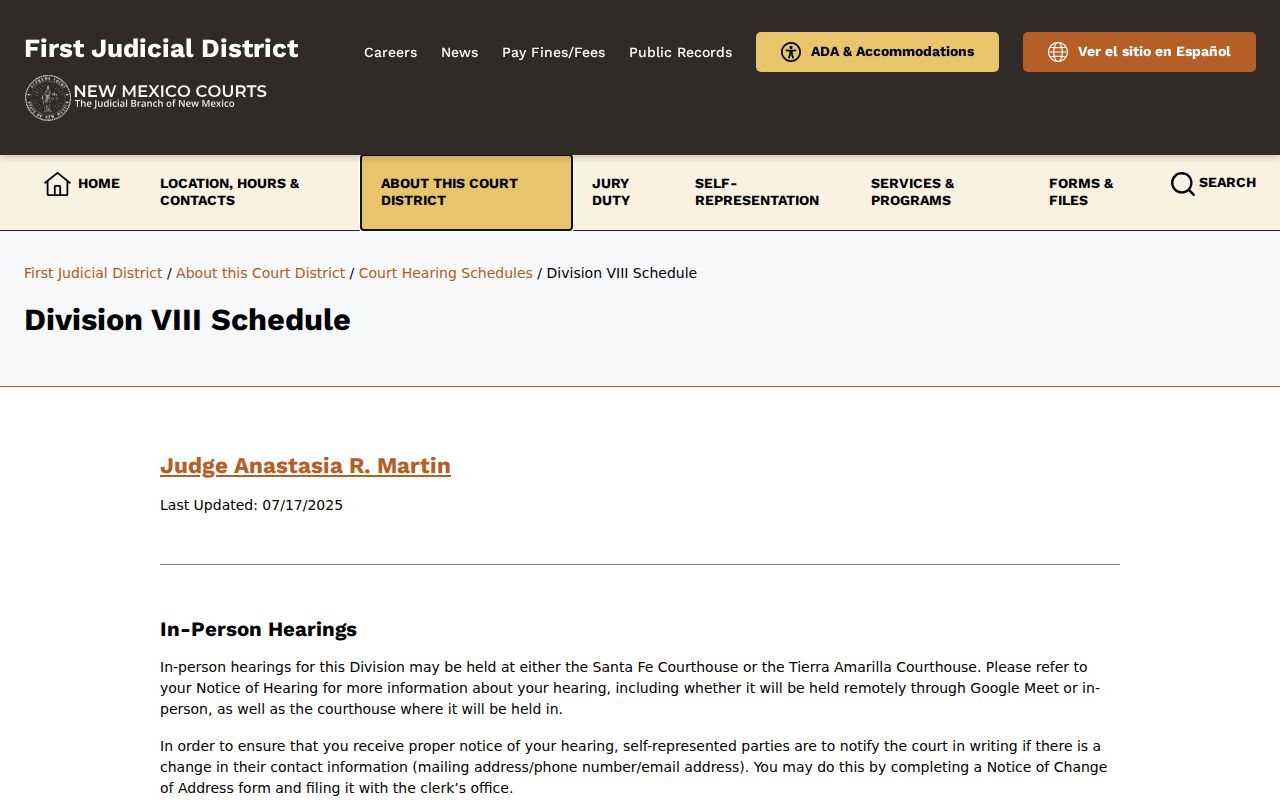
Traveling, appearing remotely, or cutting it close on time? Check the date against the current source and the court clerk the same day. That is the safest move when conditions keep changing.
Note: A division schedule is useful context, but the court’s newest docket entry and direct confirmation control a case-specific setting.
If You Miss a Court Setting
Missed a court date in Santa Fe County? Move fast. Call the clerk of the court where your case sits. Tell your lawyer too if you have one. Keep the case number, the court name, and the notice handy when you call. What happens next depends on the type of case and what the judge ordered. So read the current docket status and ask the court directly. An old calendar line is not enough to go on.
Here is why two checks help. A Santa Fe County court calendar may still list a future hearing. The docket may already show a later event or result. Put both together with what the clerk tells you. Then you will know where the case truly stands. A missed appearance in a traffic or criminal matter can mean steeper consequences than one in a civil case. The court that sent the notice is the only office that can confirm your next step.
Missed setting warning: The New Mexico traffic manual lists possible consequences such as a bench warrant or order to show cause, notice to MVD, and fees for missed appearance or payment situations.
The manual is older guidance and cannot determine what applies to an individual case. Confirm the current status and next step with the issuing court or a licensed attorney.