
Searching the Santa Fe County Court Docket
Start at New Mexico Case Lookup. It is the widest no-registration door into a Santa Fe County court docket, reaching appellate, district, magistrate, metropolitan, and municipal records. The catch is context. A first result means little until the court and the case type make sense. Three courts can touch the same county. A district civil matter, a Santa Fe Magistrate traffic matter, and a city municipal matter all keep separate records. They share a home county.
So search the Santa Fe County court docket with a case number or a court name, or a tight mix of party details and filing facts. The public index finds the match. Its register then points toward the court that holds the record. A listing can show a hearing, a filing, or a status. It rarely exposes every document. For wider statewide case data, the Case Lookup route helps separate a name search from a record request. Need a document, a certified copy, or an older file? The Santa Fe County clerk chain comes next.
- Start in New Mexico Case Lookup and identify the Santa Fe County court that received the filing. Choose the court level rather than relying on an address alone.
- Enter the exact case number when it is known. Otherwise, use the narrowest available party, attorney, court-location, category, status, or filed-date details.
- Open the matching Santa Fe County court docket and compare the caption, court, filing date, and case status before treating it as the intended matter.
- Read the chronological entries for filings and settings. Confirm a future hearing with the court calendar because a setting can change or be omitted from a public schedule.
- Use re:SearchNM, the clerk, or an IPRA request for an unavailable record. Ask for a particular case, date range, document type, and format.
Note: A broad name alone misleads. A court name plus a case number is the more reliable search anchor.
Santa Fe County Case Lookup Routes
No single database holds everything here. Santa Fe County layers its access instead. Case Lookup is the public index. Registered re:SearchNM adds more: searches for Cases, Text in Docs, Hearings, and Filings, with filters for location, category, case type, status, and date. Its register view puts events in chronological order. Even so, document access hinges on your role, the court, the security setting, and the record class. When an online result lacks the item you need, the clerk still matters. The court IPRA process does too.
The New Mexico Courts home page maps the state judiciary. That structure places Santa Fe County cases across more than one court level.
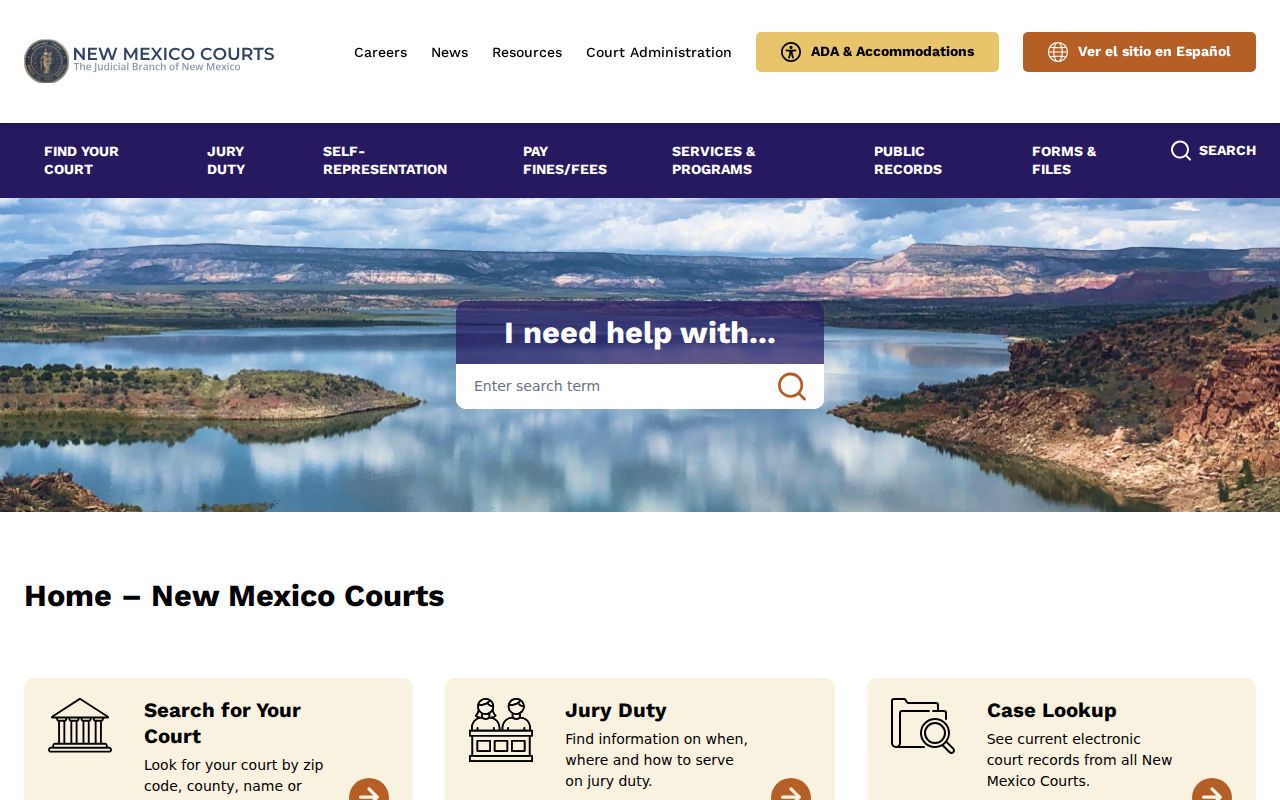
Jurisdiction comes first. An address alone will not do. Run a Santa Fe County court docket search from the top: the official New Mexico Case Lookup landing page, the public starting point for state-court case information.
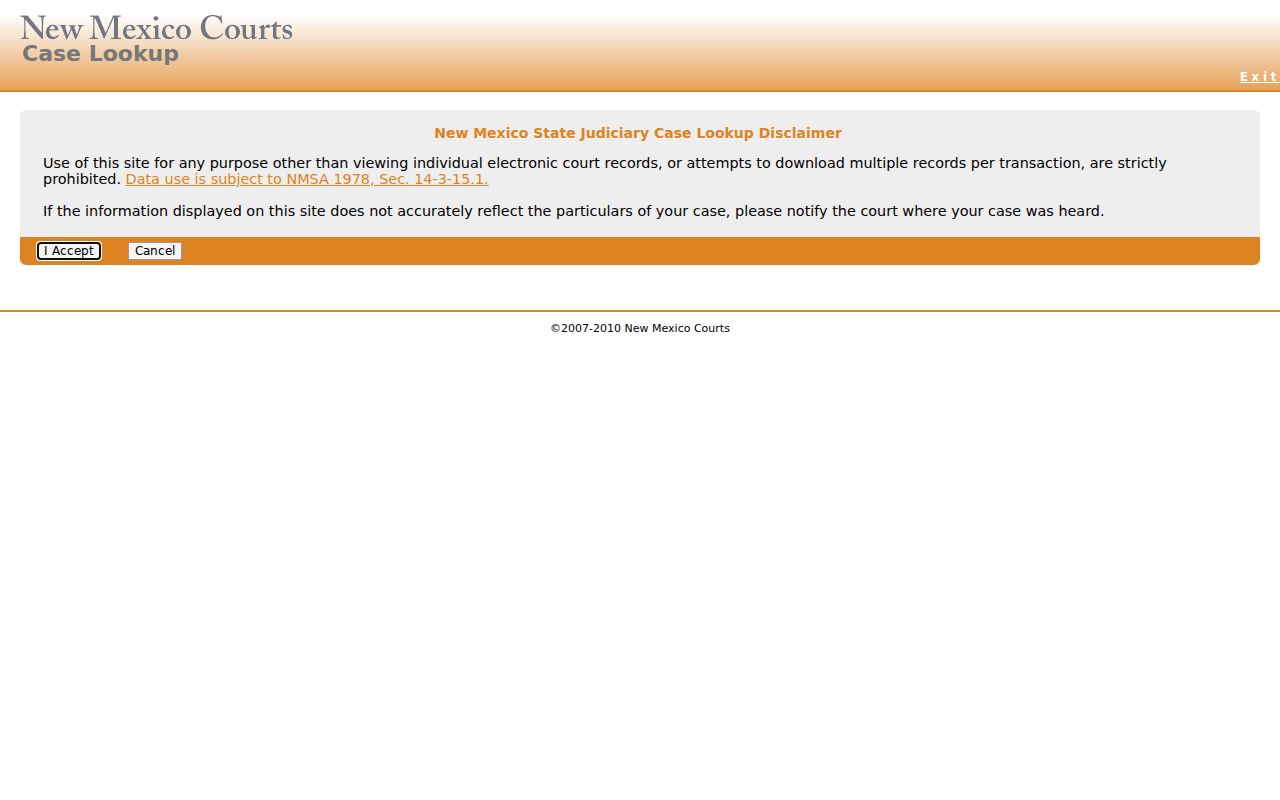
Case Lookup indexes. It is not a promise that every filed paper, historic case, or protected record appears online. The state public-access and re:SearchNM explanation draws the line between public searching and the registered research route.
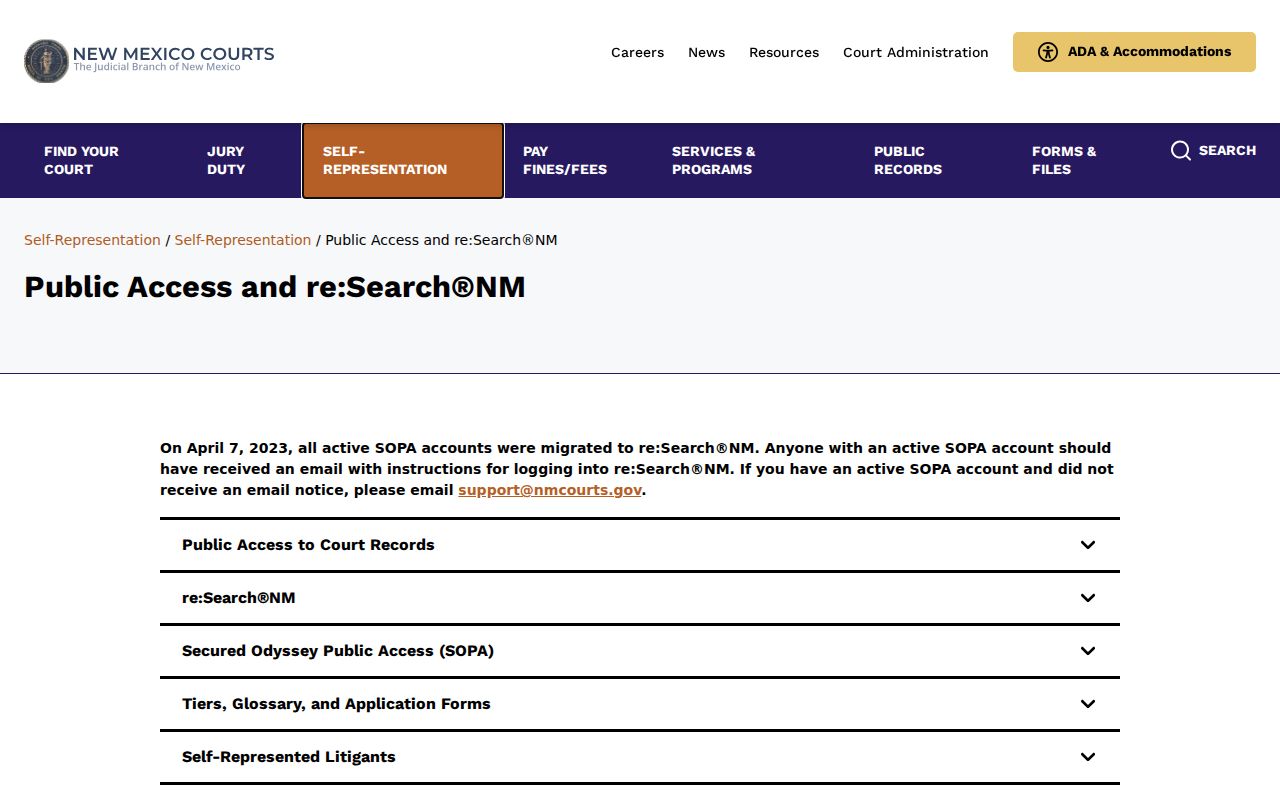
Stay consistent across channels. Use the same court, case category, and date range so a Santa Fe County result can be checked against the correct docket.
Inside a Santa Fe County Court Docket
A docket is a register, not a story. The Santa Fe County court docket lists each case event in the order it happened. It is not a narrative account. It does not replace the full file either. Even so, the public register can show a caption, parties, court, case number, entries, hearings, and a disposition or judgment when one is entered. An attorney may appear too. So may a New Mexico Supreme Court CAID, which is not an ordinary bar-number field; a filing line can even exist when the document is not available for public download.
| Case Number | The court-assigned identifier, such as D-101-CV-9801525 for the published First District civil example. |
|---|---|
| Case Style and Parties | The caption and party roles, subject to protected-party and privacy limits. |
| Entries and Filings | Chronological events, pleadings, orders, hearing results, or document links. |
| Hearing Settings | Date, time, hearing type, judge, location, and an entered result when the court posts one. |
| Court and Division | The court level and division that help separate district, magistrate, municipal, probate, and appellate work. |
| Disposition | A recorded resolution, judgment, or other final event, which is distinct from a merely scheduled setting. |
Note: A final-looking line may not be the end. An appeal, a related case, or a later court order can follow it.
Santa Fe County Docket Number Format
Numbers carry grammar here. First District’s published civil example, D-101-CV-9801525, reads this way: D marks district court, 101 marks Santa Fe, and CV marks a civil case. Old records differ. Older ones may use SF 98-1525(C) instead. When an old number returns nothing, try the form shown on the record, then ask the clerk whether that older format needs a different search method.
- Docket or register of actions
- The dated index of case activity, including filed papers, hearing events, and orders.
- Setting
- A scheduled court appearance. It is not proof that the hearing was held or decided.
- Filing code
- The court’s label for an event or document. Unexplained local codes should be confirmed with the court.
- Restricted
- An access state that can limit a case or document view without proving why the limit applies.
Use court, prefix, category, and date together. That combination keeps a Santa Fe County district entry distinct from a later appeal or a city municipal docket.
Courts That Keep Dockets in Santa Fe County
Subject matter and jurisdiction decide the route. First Judicial District Court is the general-jurisdiction trial court for Santa Fe, Rio Arriba, and Los Alamos Counties. Santa Fe Magistrate Court holds limited jurisdiction. City municipal courts run their own records for ordinance, traffic, DWI/DUI, and petty-misdemeanor matters within their jurisdiction. Probate, appellate, and federal cases have separate routes. Cases can move between levels. Even so, each court in Santa Fe County can retain a distinct docket of its own.
| Court | Docket Covers | Where to Search |
|---|---|---|
| First Judicial District Court | Felony criminal, civil, family, real-property, contract, tort, mental-health, juvenile, probate-related, and appeal matters. | New Mexico Case Lookup, re:SearchNM, or the First District clerk. |
| Santa Fe County Magistrate Court | Limited civil matters, preliminary felony hearings, misdemeanors, DWI/DUI, and traffic. | New Mexico Case Lookup, the court calendar, or Magistrate Court staff. |
| Municipal Courts | Local ordinance, traffic, DWI/DUI, and petty-misdemeanor matters. | City route first. Santa Fe offers FullCourtWeb; Española and Edgewood require clerk confirmation for local records. |
| Santa Fe County Probate Court | Informal probate and uncontested estate matters. | Probate office route, with First District also checked for contested matters. |
| New Mexico appellate courts | Appeals that create a new appellate case. | New Mexico Case Lookup, separate from the trial docket. |
| Federal District Court | Federal civil, criminal, and related federal filings. | PACER and the federal court’s public terminal route. |
Note: A Magistrate preliminary-hearing entry and a later First District felony entry are related court work, not one merged docket.
Santa Fe County Federal Docket Route
Federal filings live elsewhere. A case filed federally in Santa Fe goes to the United States District Court for the District of New Mexico, at the federal Santa Fe divisional location. PACER is the public federal docket route. The two systems do not talk. New Mexico Case Lookup will not retrieve federal filings, just as PACER will not retrieve Santa Fe County state-court dockets.
Names can fool you. Before treating similarly named records as one matter, check the court name, jurisdiction, case number, caption, and filing date. The official District of New Mexico PACER court lookup identifies the federal court’s CM/ECF record system.
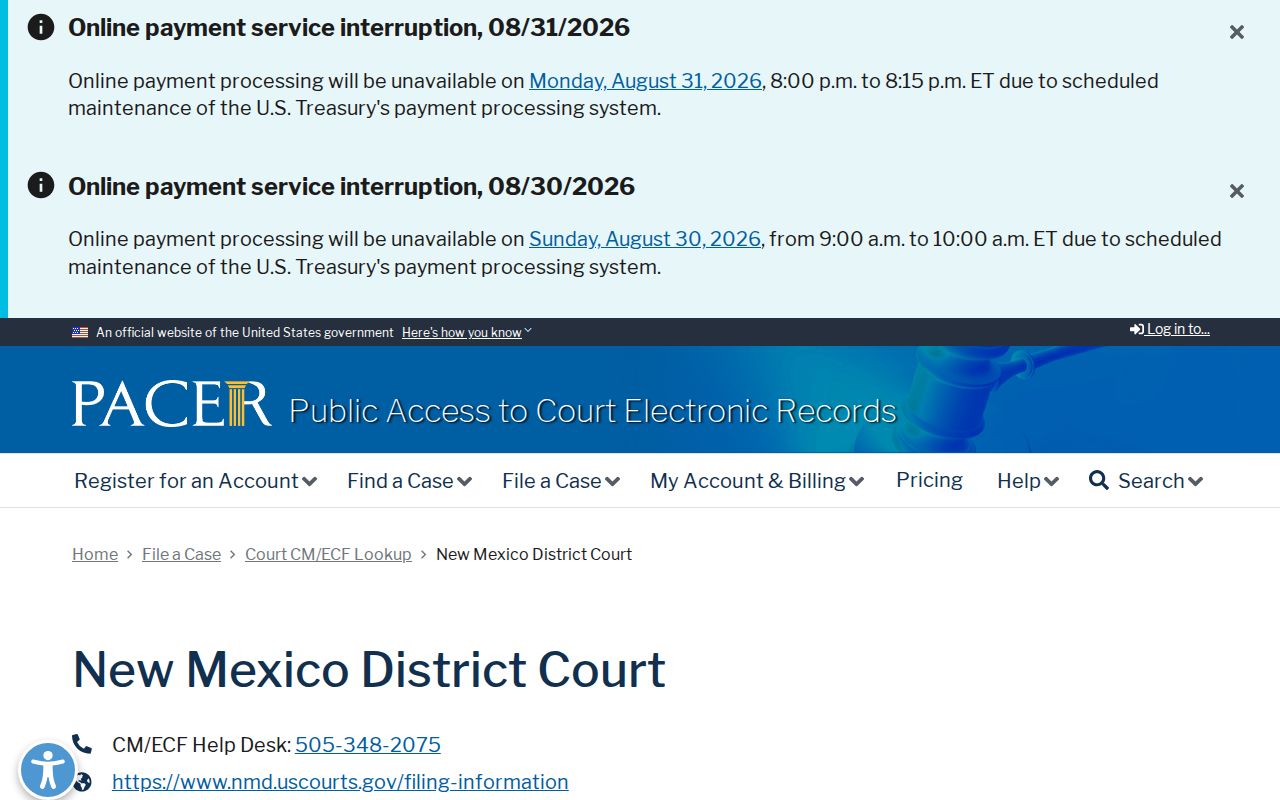
The federal route serves federal matters only. That includes filings at the Santa Fe federal courthouse. The official PACER pricing page sets out the current federal fee rules, which sit apart from First District copy charges.
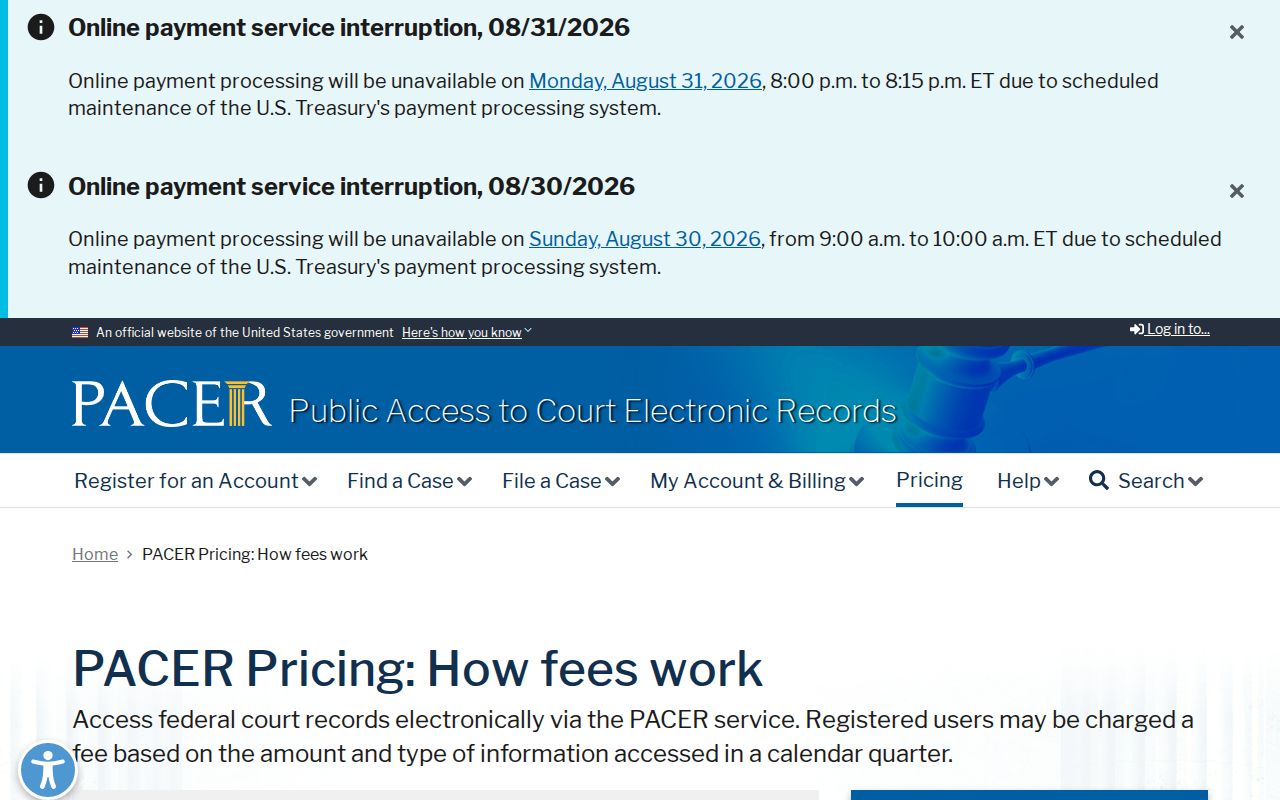
A federal access charge never changes what a Santa Fe County state-court record costs or whether you can get it. For the federal side, the public-terminal guidance from the District of New Mexico explains the courthouse terminal option.
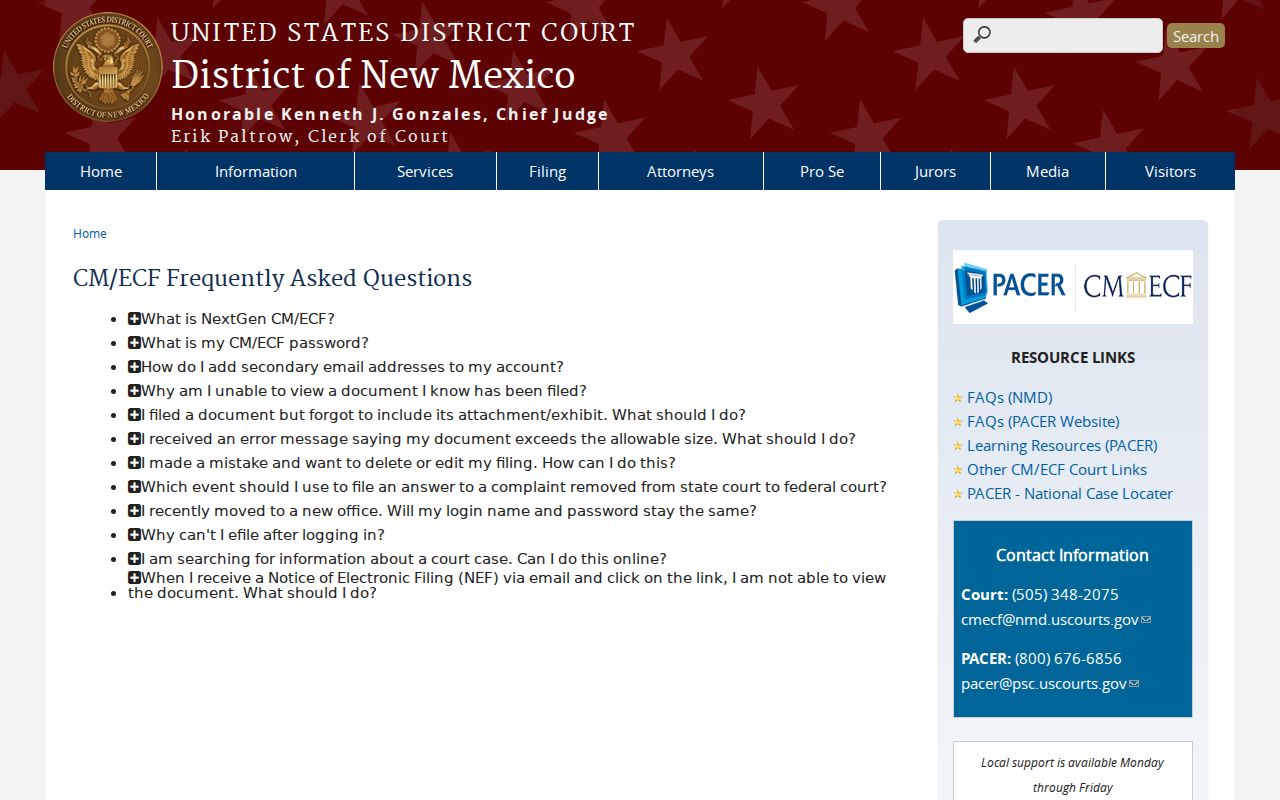
Under that guidance, terminal searches and views at the federal courthouse are free; printing fees and rules on restricted documents still apply.
How to Find Court Dates and Settings
A Santa Fe County court docket can show a setting with its date, time, hearing type, judge, and location. The result appears later. A setting is only a scheduled appearance. It does not prove the matter was heard or settled. First District splits its hearing pages, publishing one for Santa Fe District Court and another for Santa Fe Magistrate Court. Each page covers the selected day plus the following six days. A date beyond that window may need direct confirmation.
Find the case first, then work from the court-level schedule. Take any puzzling gap to the clerk. The official Santa Fe District hearing schedule itself warns that entries can contain omissions. It carries no warranty of completeness. The focused Court Dates route breaks down how to read a setting in more detail.
Divisions within a court can post their own packet, exhibit, interpreter, weather, or rescheduling instructions. Treat a division rule as applying to that division only, not countywide. Likewise, never read a municipal schedule as a First District calendar.
Santa Fe County Calendar Window
A seven-day window works well for checking a near-term Santa Fe County setting. It is not a full future calendar. When you find a line, write it all down. Note the date, court, division, case number, time, hearing type, judge, and location. Include the result and any cancellation or rescheduling notation. Those details make a later call to the court far more precise. A missing calendar line could mean the wrong date. It could mean the wrong court. A later setting, a protected case, or the schedule's own stated limits could also explain the gap.
Santa Fe Magistrate and First District calendars are searched separately. Municipal courts work differently again. Española posts a weekday hearing pattern, while Santa Fe Municipal and Edgewood point users to their own court routes. Before an expected hearing, confirm the current court page, closure notice, and any remote-access instructions with that court directly.
Note: Keep the court's exact entered words, such as continued, canceled, or rescheduled. Do not assume they all mean the same thing.
Public Access to Court Dockets
New Mexico opens most court records to the public, but not all of them. A docket or register, a filed paper, an exhibit, and a transcript can all be court records. Some may be withheld, redacted, or sealed. Protected identifiers and restricted classes are the usual reasons. Search results can leave out juvenile criminal matters, Family Violence Protection Act protection-order cases, protected party details, or documents limited by security and access rules. A blank result proves very little. It does not mean no Santa Fe County case exists.
Key Rules:
Rule 1-079 NMRA explains that court records include docket material and directs protection of personal identifiers and restricted records.
NMSA 1978 Section 14-2-1 is New Mexico’s Inspection of Public Records Act right to inspect public records, subject to its exceptions.
NMSA 1978 Section 14-2-8(D) is reflected in court IPRA instructions requiring requester contact details and a reasonably particular record description.
Rule 1-079.1 NMRA gives guardianship and conservatorship records special access protections.
Finding a public register does not give permission to copy protected personal information into a search request or a personal file. Respect the court's access limits. When a restriction is unclear, request the order or ask the clerk.
Santa Fe County Blank Search Limits
A Santa Fe County search can come back empty for many reasons. No case existing is only one of them. You may have the wrong court or an older number format. A pre-1997 record needs a request. The case may also be juvenile, protected, sealed, or limited by a document-security rule. A re:SearchNM gavel or restricted status signals that access is limited. It never explains the legal reason. Never read a blank screen as a missing outcome.
Work the local chain in order: check the case number and court level, try the public index, use registered re:SearchNM when its available record layer fits the need, then contact the court that keeps the file. An IPRA request should name the case, any relevant people or aliases, the date range, the document type, and the format you want. That gives the records custodian something specific to work from.
Docket Records at the Clerk’s Office
For Santa Fe County district cases, the First Judicial District clerk's office is the practical records route. Ask in person, call, or mail the records custodian. The court's IPRA web form works too. A solid request gives your name, address, phone number, and a reasonably particular description. A party name, case number, court, division, date range, and document type works best. That specificity always beats a vague ask for everything tied to a name.
First District prices physical copies at $0.35 per page. Certification runs $1.50 each. Tape or CD duplication costs $4 each, with possible mailing or storage costs added. Those are copy costs, not the price of a docket search. Published filing charges are separate court costs. When the material is a district-court case record, go through the court clerk. Skip the Santa Fe County Clerk's recorded-document route for these.
First Judicial District Clerk’s Office
225 Montezuma Ave.
Santa Fe, NM 87501
505-455-8250
Mail: P.O. Box 2268, Santa Fe, NM 87504
Records email: sfedrequests@nmcourts.gov
Note: A certified copy comes through the records custodian process, not from a saved public-search screen.
Santa Fe County Clerk Record Split
Two Santa Fe offices split the paperwork. The First District clerk keeps district-court dockets, case records, and divorce files. The elected Santa Fe County Clerk takes care of recorded instruments. That is county-clerk material, not First District dockets. So a hit in the recorded-document index is not a court case lookup. One family name can appear in both systems. That overlap trips people up. A court-case search still has to go through the court's own docket routes.
The official First District clerk records page walks through the request route. It also gives a local case-number example.
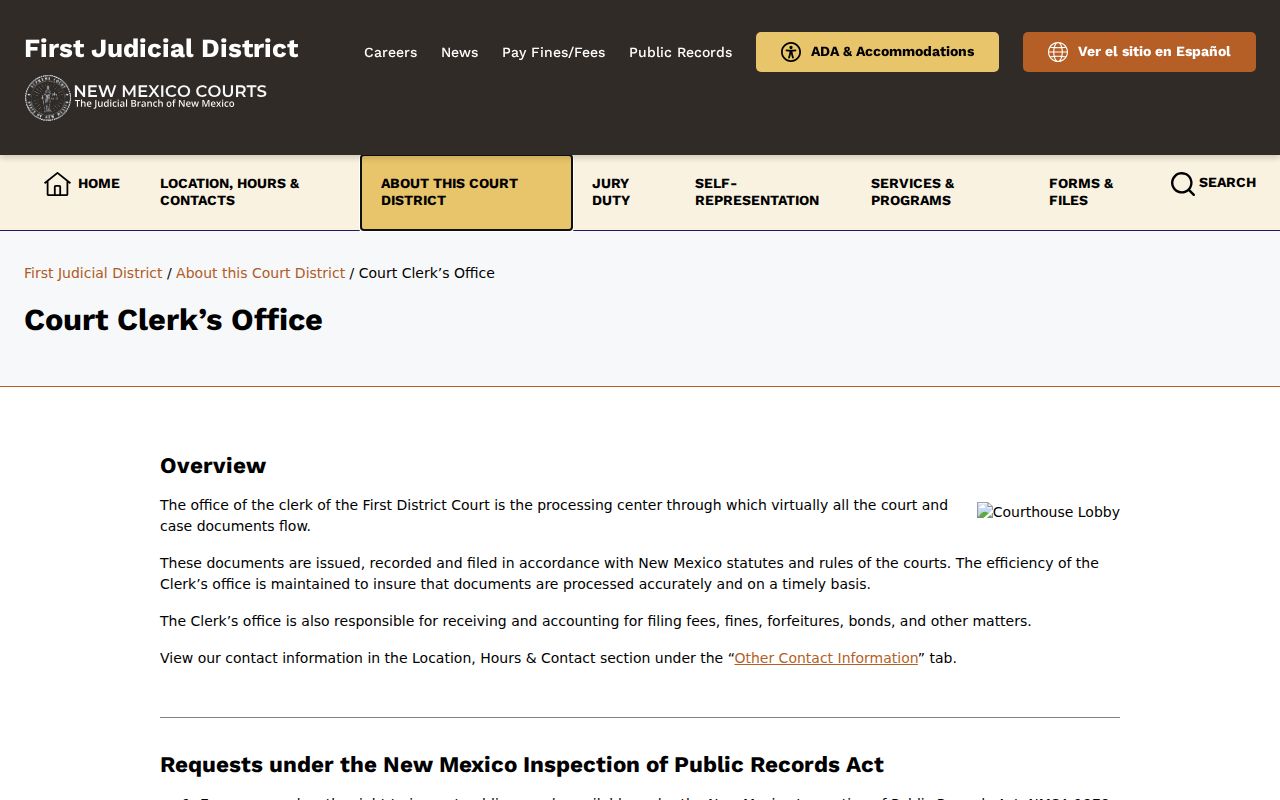
Those request details help you jump from a Santa Fe County docket entry to a specific court record. No guessing at vague collections is needed.
The official First District contacts page lists the district and Magistrate access points, so you can confirm which court holds the file.
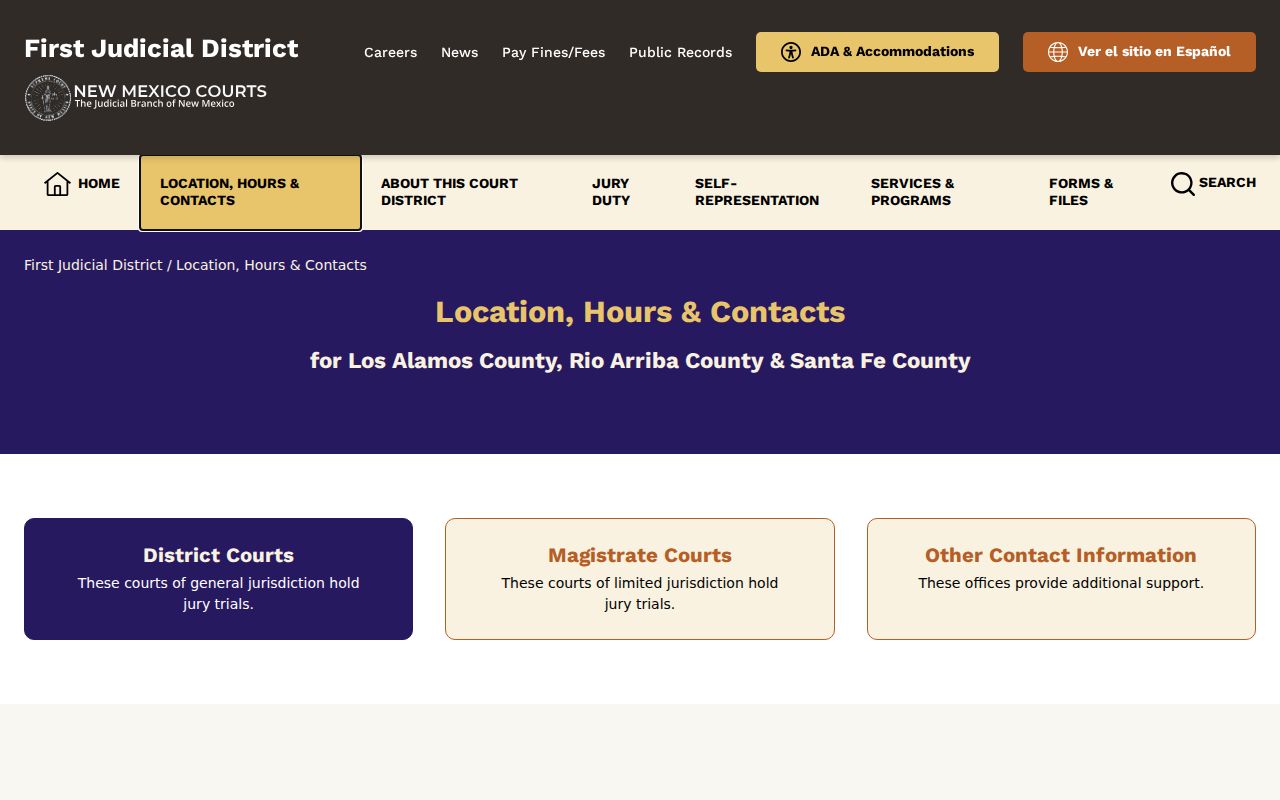
Probate, contested estates, municipal, and Magistrate matters need extra care. Each may sit with a different office than a district file, so confirm the court before requesting anything.
Santa Fe County Court Dockets by City
Santa Fe County has three municipal court routes: Santa Fe, Española, and Edgewood. City dockets usually start with traffic, DWI/DUI, petty-misdemeanor, or ordinance cases. More serious or transferred matters take a different path. They end up as Magistrate or First District records instead. Santa Fe runs FullCourtWeb. Española posts hearing information plus clerk routes. Edgewood offers no separate public docket-search portal. Start any city-level case lookup with the municipal court itself, not a countywide guess.
Santa Fe Docket Search
2020 incorporated-place count: 87,505. Santa Fe Municipal Court has a separate FullCourtWeb search route.
Española Docket Search
2020 incorporated-place count: 10,526. Only part of Española’s city geography is in Santa Fe County.
Edgewood Docket Search
2020 incorporated-place count: 6,174. Confirm local records with the Municipal Court because no separate public lookup was located.
Santa Fe County Filing Context
A Behavioral Health SIM report for Santa Fe County adds local filing context. It helps frame any docket search. Traffic led every year from 2020 through 2024. Felony filings climbed through 2023. They held near that level in 2024. These are filing counts, not people, convictions, or outcomes. That distinction matters. Traffic, municipal, Magistrate, and district routes overlap. A court docket search only works if you start in the right court with the right case type.
The Santa Fe County Behavioral Health SIM report supplies those category totals. The figures have limits. They do not replace the court's own docket, and First District statistics cover all three counties in the district rather than Santa Fe County alone.
Map and Directions to the Santa Fe County District Courthouse
First Judicial District civil, family, adult criminal, juvenile, mental-health, and lower-court appeal files for Santa Fe County are kept at the Steve Herrera District Courthouse, 225 Montezuma Avenue, at the intersection of Montezuma and Sandoval. The building has three courtroom floors plus a basement holding area, and its own underground parking. Santa Fe County Magistrate Court, a separate limited-jurisdiction court, is at 2056 Galisteo Street.
First Judicial District Clerk's Office
225 Montezuma Ave.
Santa Fe, NM 87501
505-455-8250
Monday through Friday, 8:00 a.m. to 4:00 p.m.
The clerk's counter stays open through the lunch hour rather than closing midday. Mail reaches the records custodian at P.O. Box 2268, Santa Fe, NM 87504, and fax is 505-455-8280. The courthouse includes a landscaped plaza and underground parking, built as part of the county's 2011 courthouse project.